Pick your distractions.
Choose the apps you want to spend less time in, then set your daily limit.
YOUR APPSYour limits ↗
 PaperMode
BEAT DOOMSCROLLING
You picked up your phone for a minute.
Make it a minute worth keeping.
PaperMode helps you reduce screen time by blocking distracting apps until you read a few pages. Unblock by meeting your goal and building a great habit.
Turn over a new pageMade for iPhone. Made for your attention.
01 / A DIFFERENT KIND OF SCREEN TIME
No grand resolutions. Just a reading break
between you and the apps you reach for.
Choose the apps you want to spend less time in, then set your daily limit.
When your time is up, PaperMode pauses those apps. Open a book and work toward your page goal.
Reach your goal to unlock more app time. Or stay with your book. It was getting good, anyway.
CHAPTER I
Alice was beginning to get very tired of sitting by her sister on the bank, and of having nothing to do: once or twice she had peeped into the book her sister was reading, but it had no pictures or conversations in it, “and what is the use of a book,” thought Alice, “without pictures or conversations?”
02 / SOMETHING WORTH GETTING LOST IN
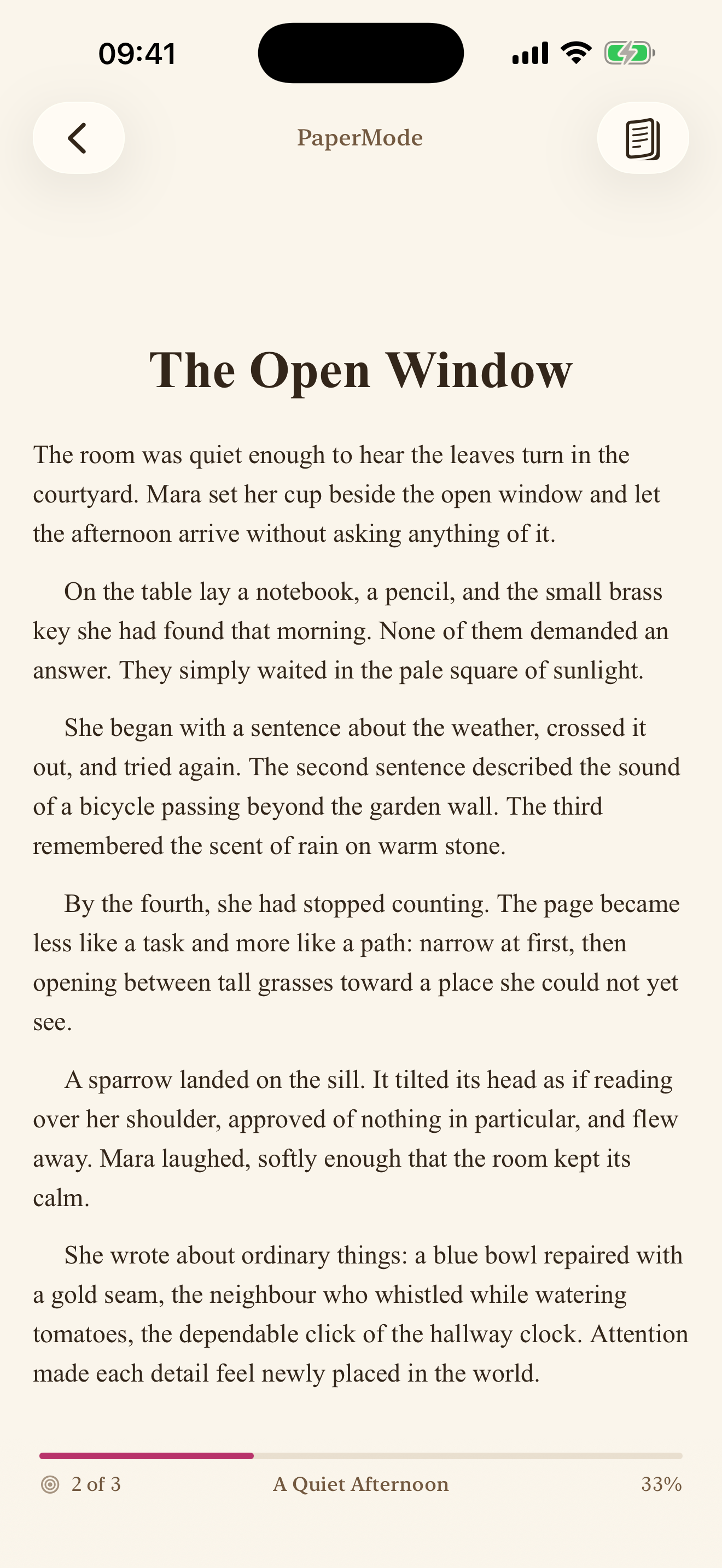
An ebook reader for your EPUBs, PDFs, and saved web articles. Bring your own reading or settle into a bundled book. Make the text your size. Highlight the parts you want to remember.
Import an article by URL and settle into it in PaperMode.
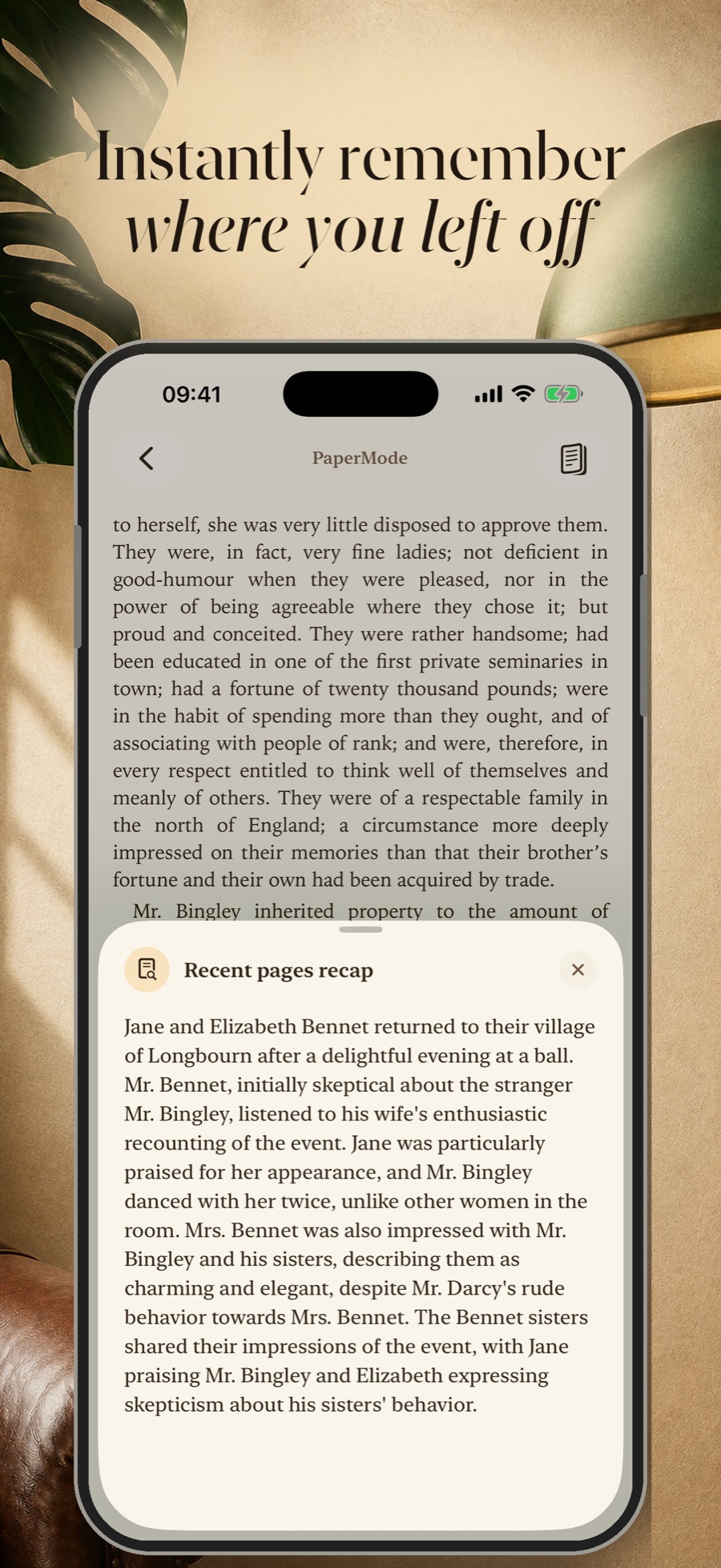
PICK UP THE THREAD
Smart recaps bring your recent pages back to mind. Spend your next reading break moving forward.
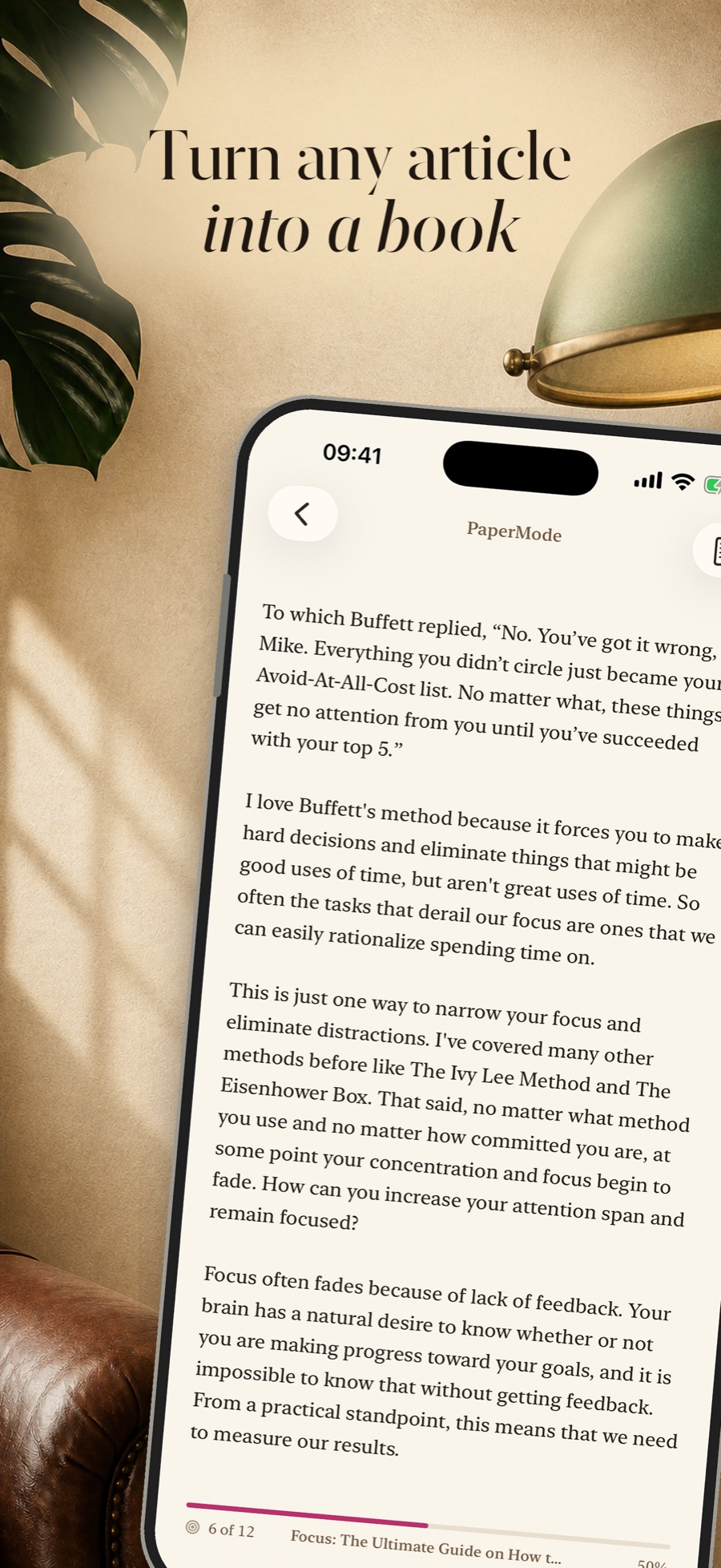
IMPORT ARTICLES FROM THE WEB
Found something worth reading? Copy the article URL and import it into PaperMode. Your web reading joins your books in one library, ready to read page by page.
03 / THE SMALL PRINT, MADE SIMPLE
You choose distracting apps with Apple's Screen Time picker and set a daily limit. When you reach it, PaperMode blocks those apps until you meet your reading goal, helping you replace doomscrolling with a regular reading habit.
Yes. Copy an article's URL and add it through Import Reading in PaperMode. The article becomes a paginated read in your library, alongside your books.
Yes. Import EPUBs, PDFs, and articles, or choose a bundled book. Your reading progress and saved highlights help you pick up where you left off.
Yes. You set your page goal and app limits. PaperMode also supports increasing the page goal for later unlocks in the day.
You choose which apps to pause using Apple's private picker. For the full details on reading data, permissions, and optional features, read our Privacy Policy.
PaperMode is built for iPhone. Find PaperMode on App Store, or visit our support page for help.
YOUR ATTENTION IS A GOOD STORY WAITING TO HAPPEN.